Tournament Director
The Tournament Director is the tournament orchestrator. It provides the tournament organizer a multitude of functions from selecting the match or bout to be played, updating the players and match information and results, selecting the winner, operating the scoreboard and timer, creating the tale of the tapes, and many more.
The Tournament Director Dashboard shows the available venues and the list of matches assigned on each venue.
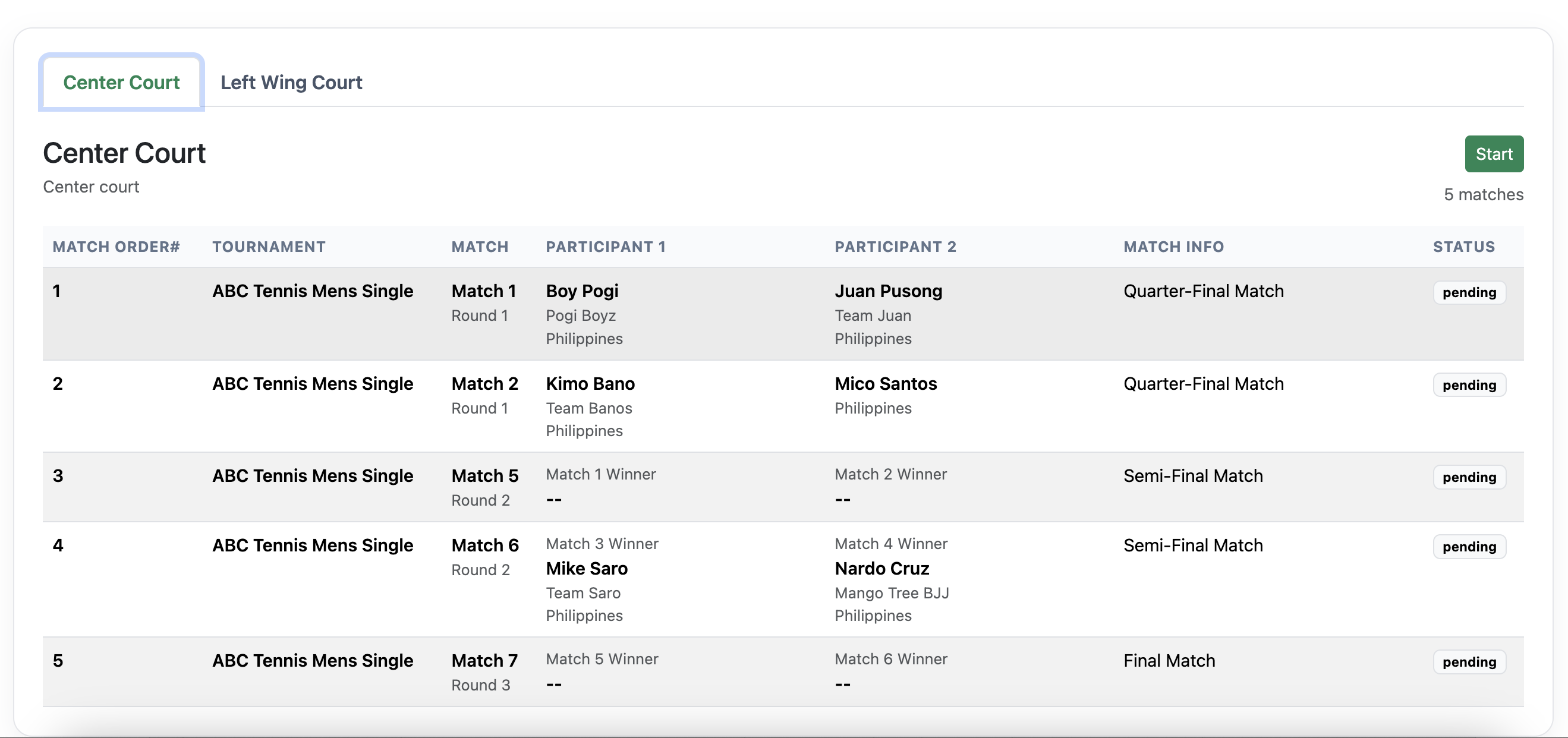
Clicking the Start button launches the Tournament Director Console.
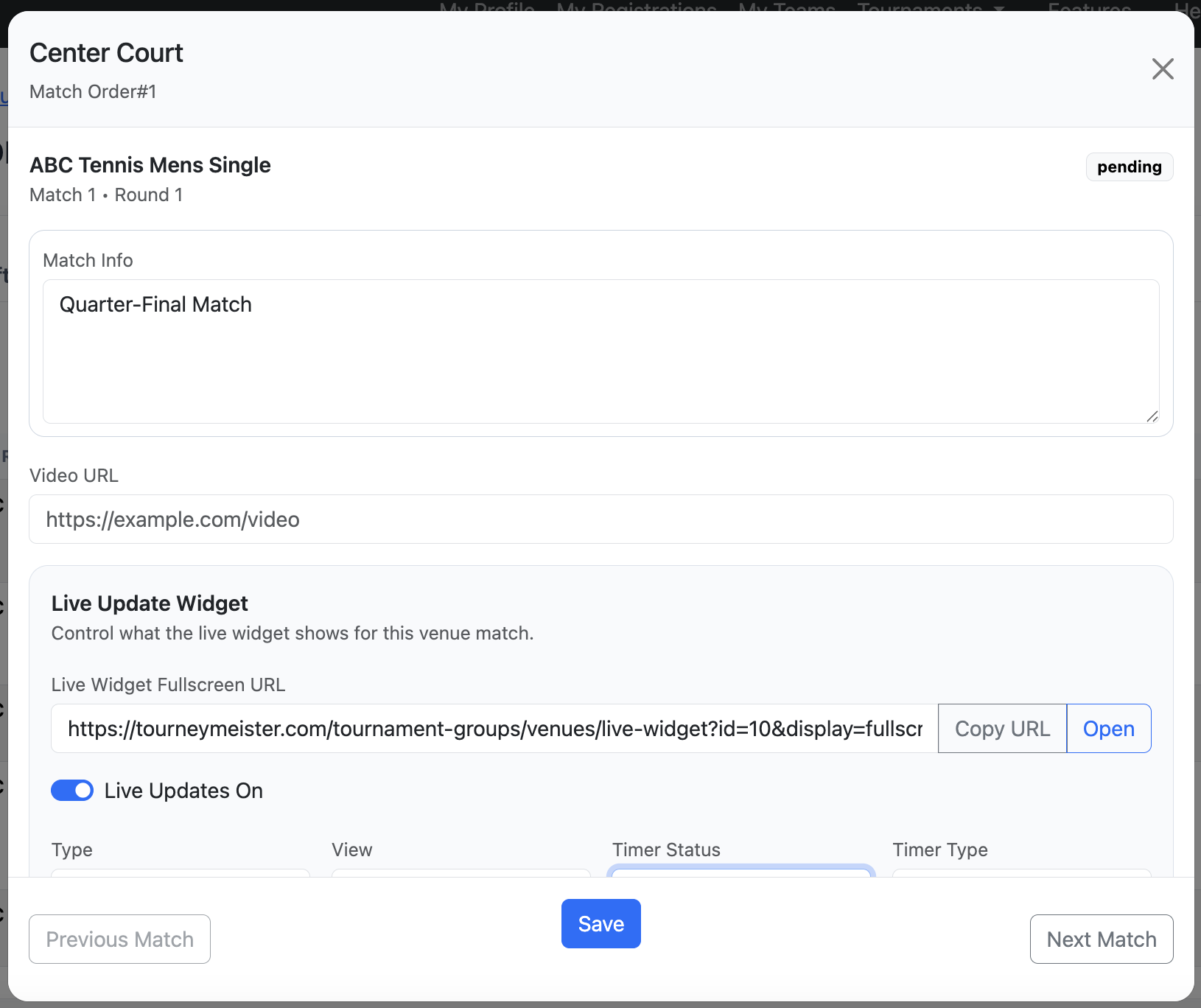
The Tournament Director Console contains several sections that may be overwhelming for a beginner. Each section has a specific purpose.
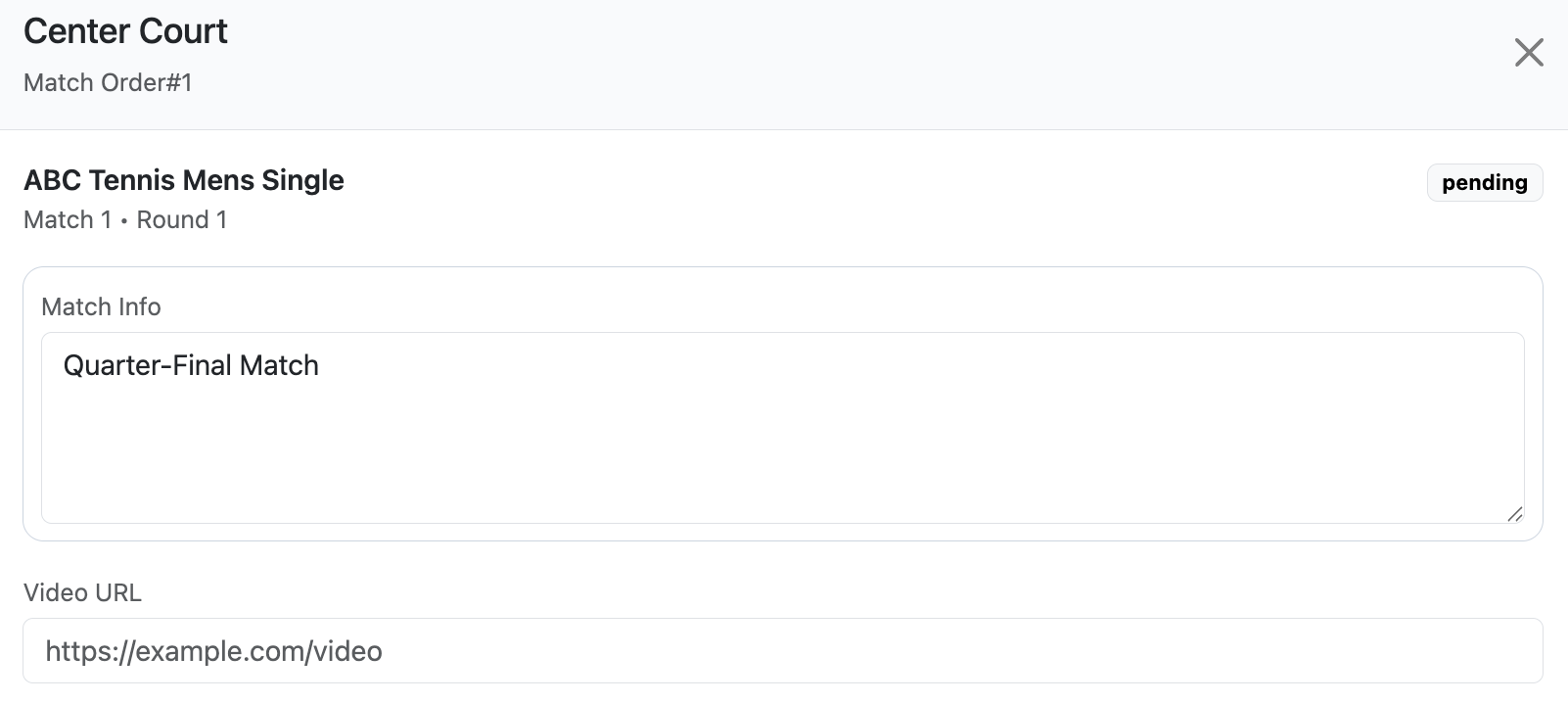
Match Info. Here you can set or assign notes or information related to the match. You can also set the link or the URL of the video of the match.
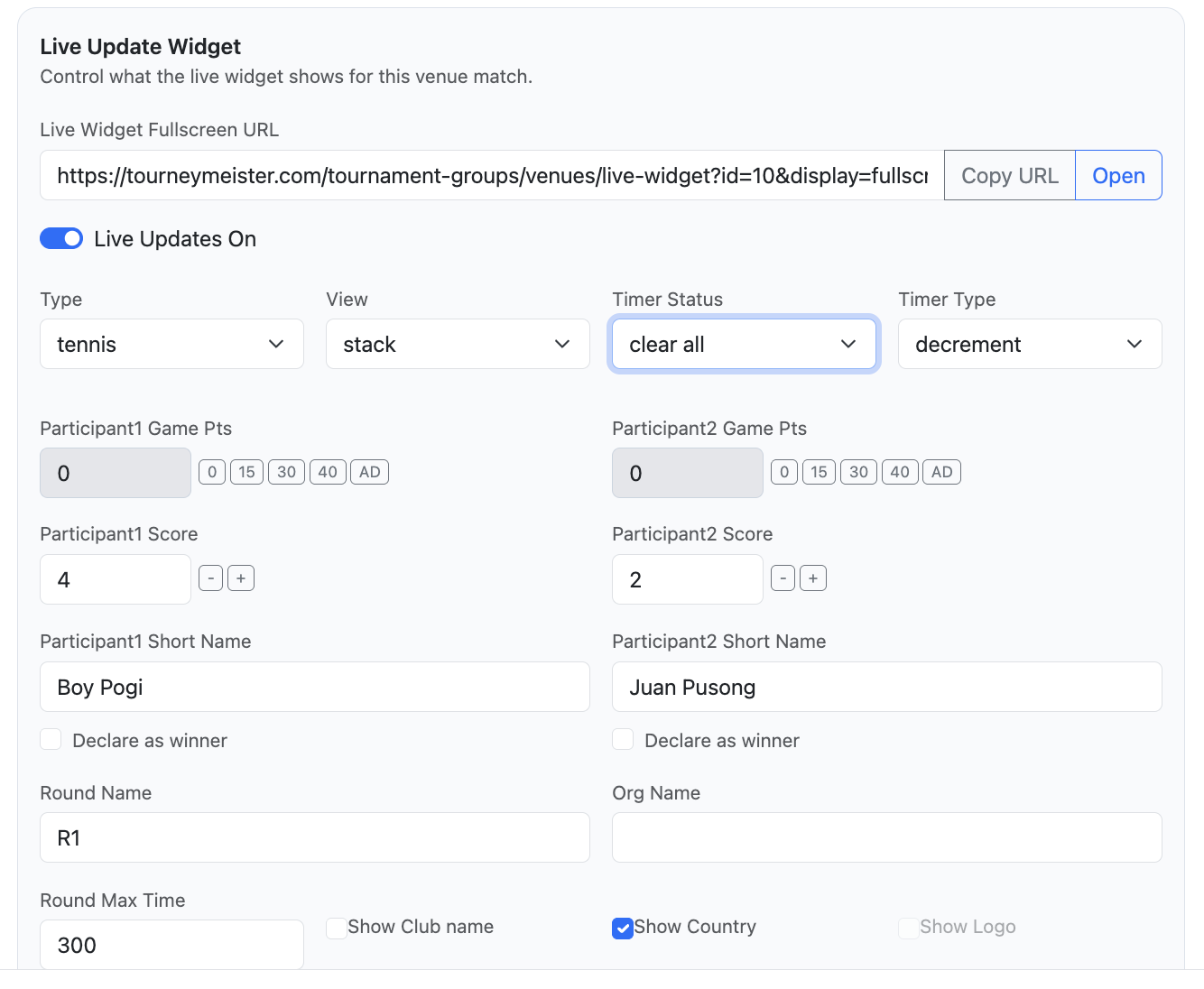
Live Update. Here you can select and control the match scoreboard and timer.
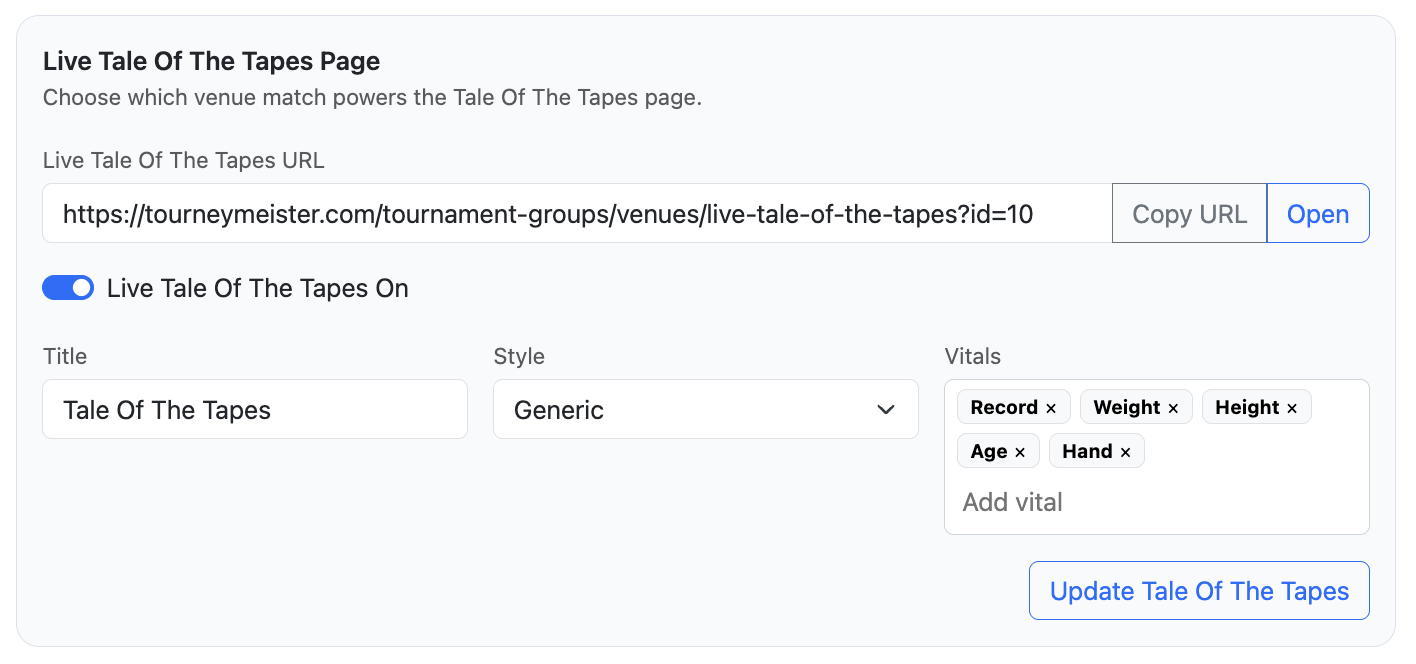
Tale of the Tapes. Here you can create and customize the Tale of the Tapes of the participants.
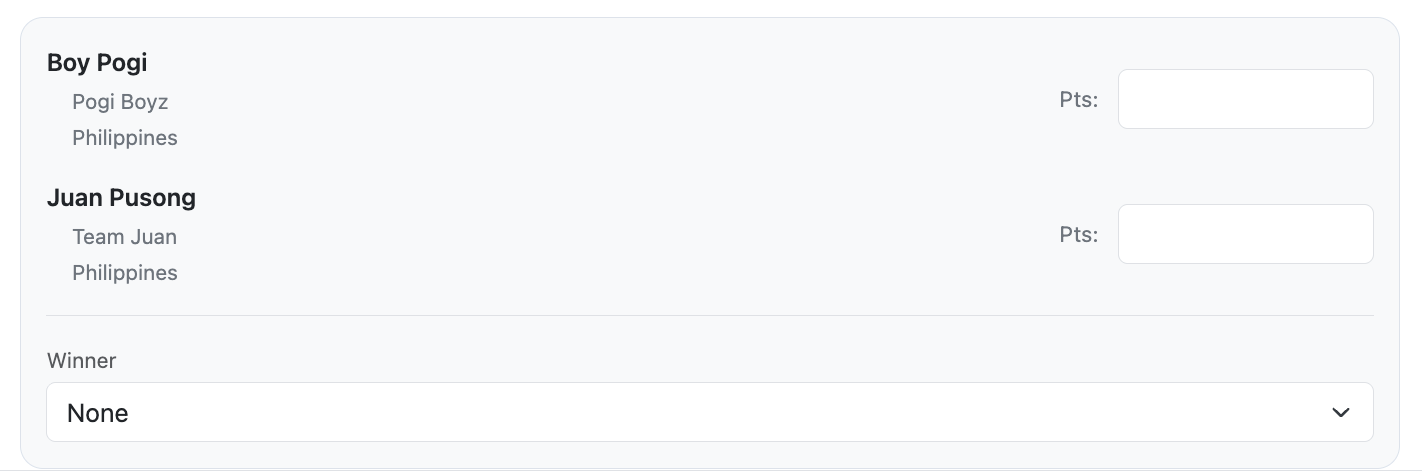
Match results and winner. Here you set the results such as scores of the participants and also assign the winner.